A recipe organizer app for all your favorite recipes
From family recipe cards to your favorite food blogs, keep all the recipes you love beautifully organized and easy to find.

Free to get started · iPhone and iPad
Your recipes deserve a better home.
The recipe you bookmarked last month. Grandma’s handwritten cake recipe. That screenshot you can never find.
Bring them all together in your own digital recipe organizer.
A place for every recipe.
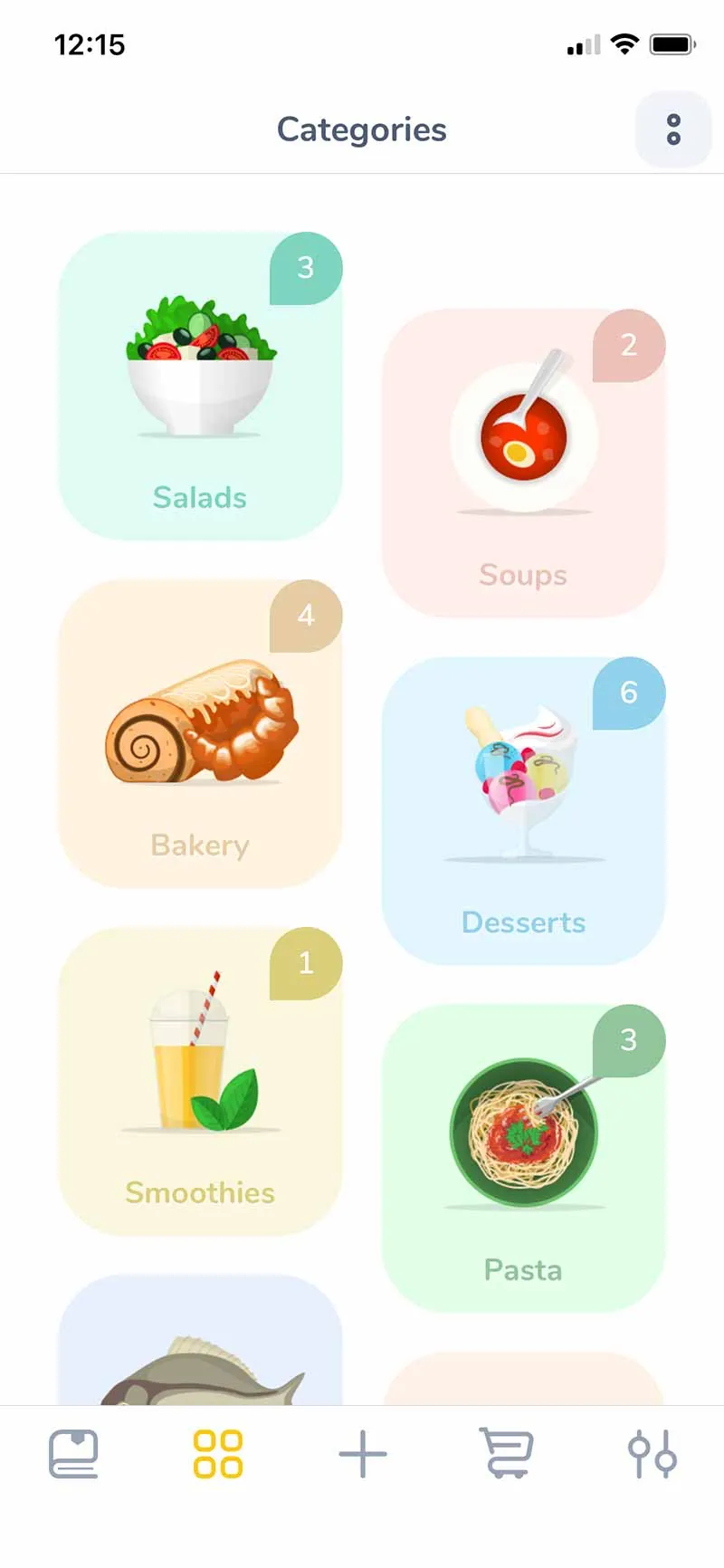
Organize your recipes into categories that make sense to you. From quick weeknight dinners to special occasion desserts, everything has its place.
Create your own categories, choose from illustrated icons and add recipes to multiple categories.
Find the recipe you’re looking for.
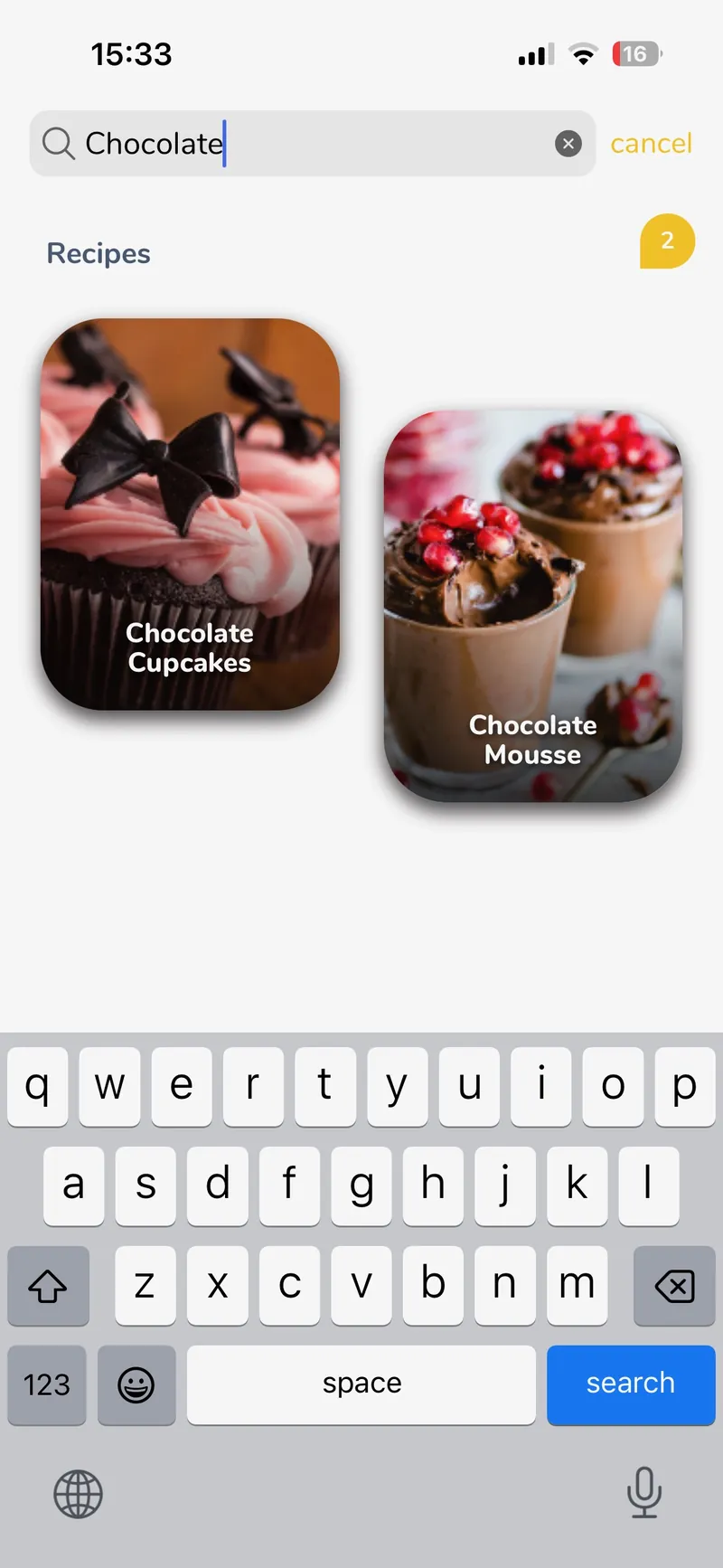
Have chicken in the fridge? Search your collection by ingredient to see what you could make.
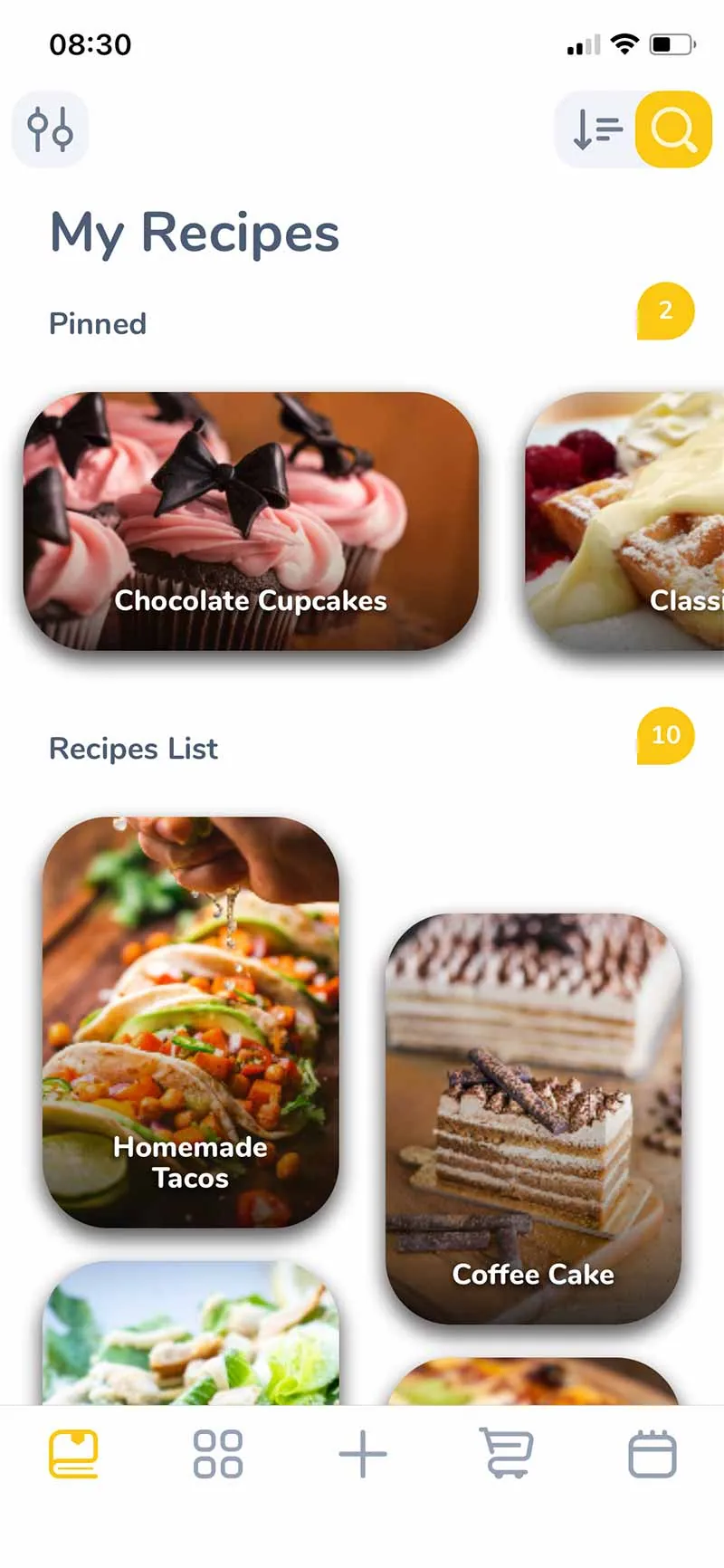
Search by recipe name, browse your categories or pin the recipes you cook most often so they’re always at the top of your collection.
Build your recipe collection, one favorite at a time.
However you discover a recipe, there’s a place for it in your own digital recipe book.
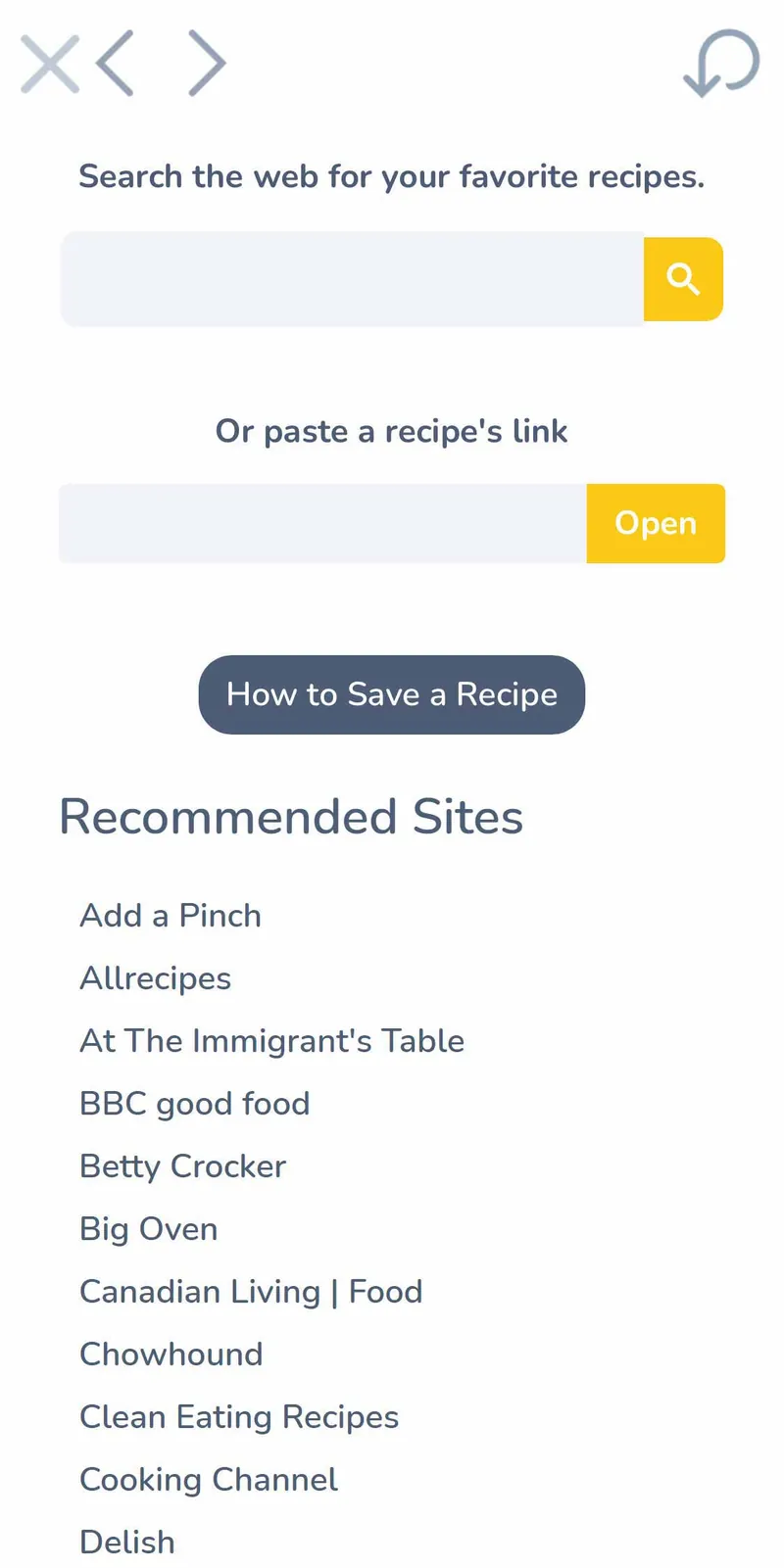
Import from websites
Save recipes from your favorite food blogs and recipe websites, with ingredients and instructions neatly formatted.
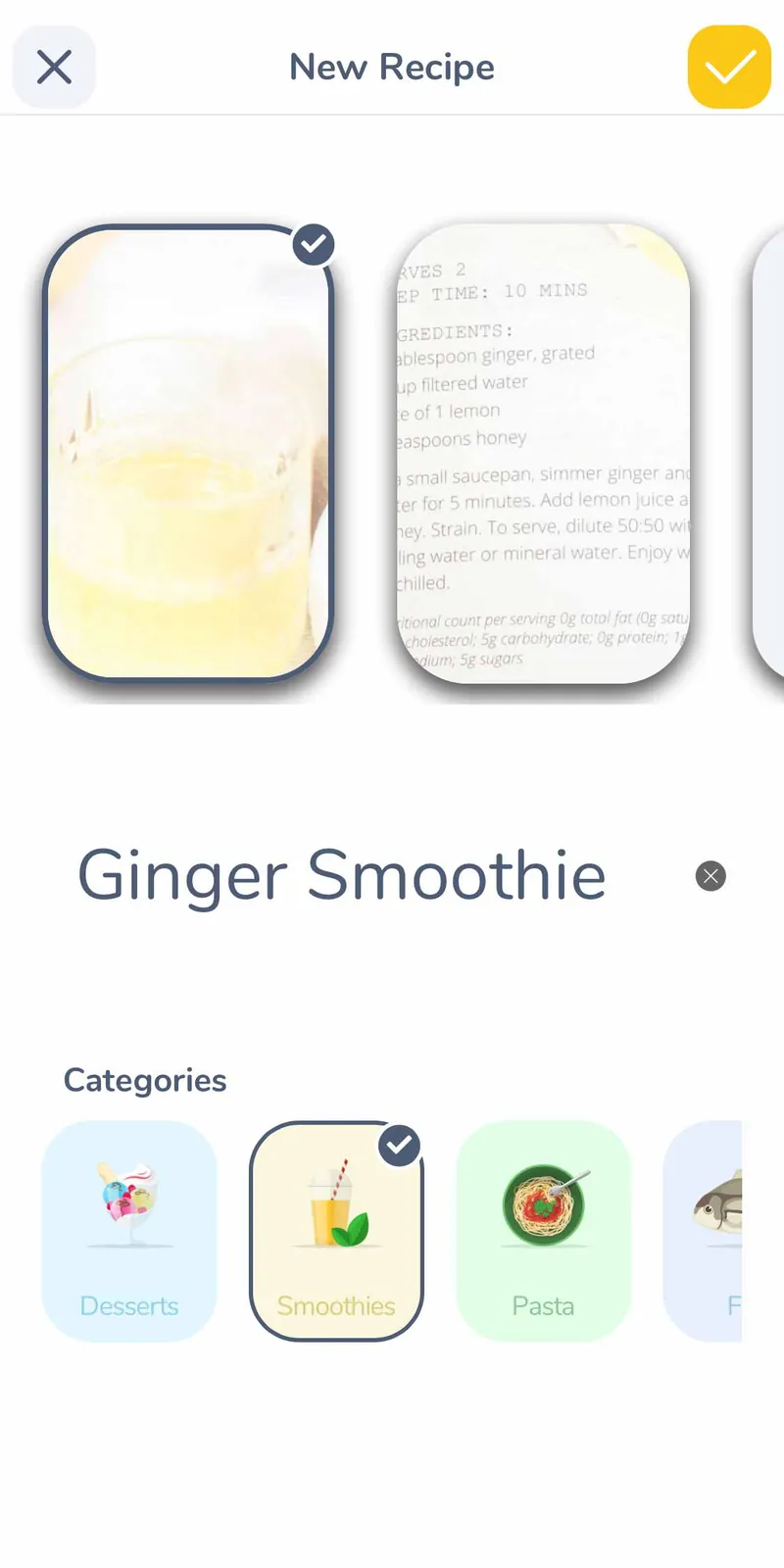
Save photo recipes
Snap a photo of a handwritten recipe or a cookbook page. Keep the original without having to type it out.
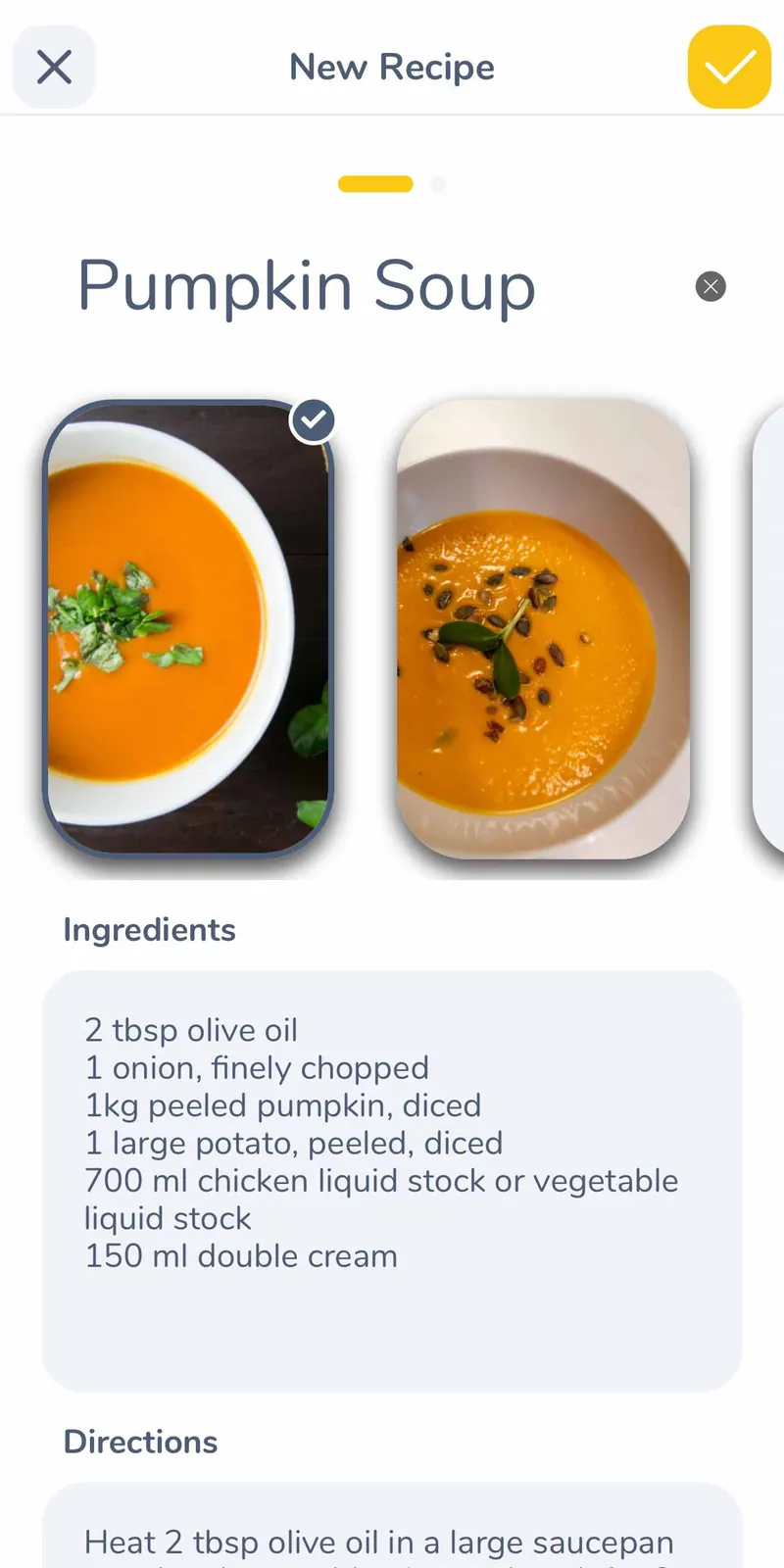
Add your own recipes
Write down your own creations, add photos and personal notes, and keep track of the little changes that make a recipe yours.
From saved recipes to dinner on the table.
Your recipe collection isn’t just for storing recipes. It’s there to help you cook.
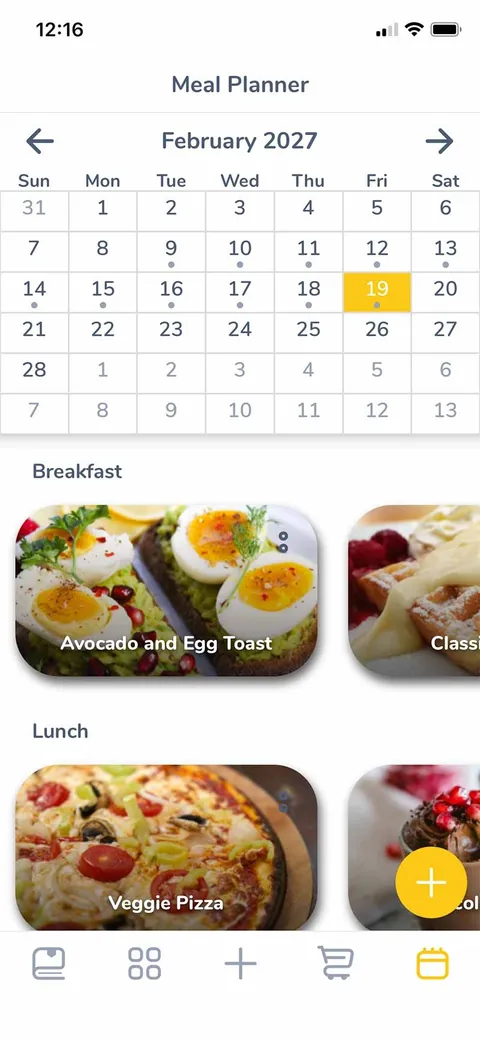
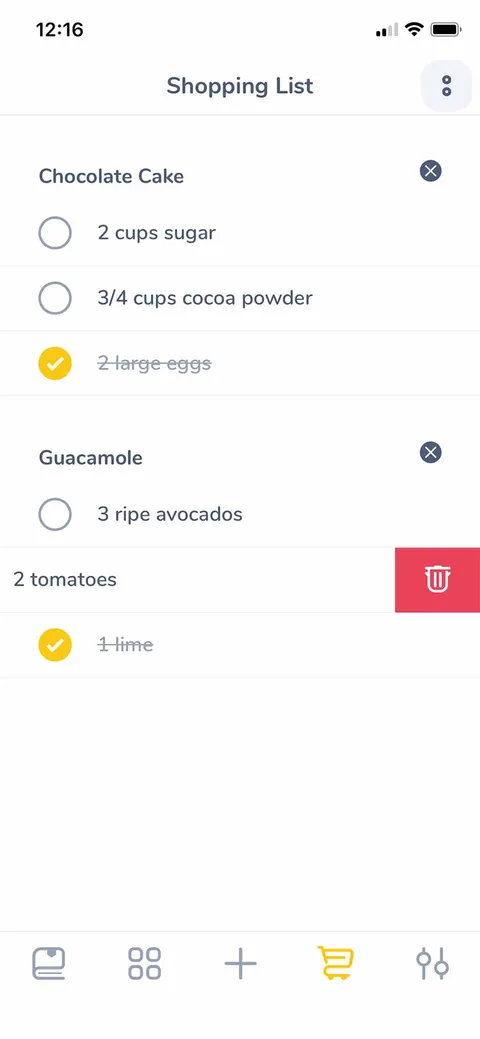
Plan your meals
Choose recipes from your collection and plan what to cook throughout the week.
Make a grocery list
Add the ingredients you need directly from your saved recipes.
Cook with ease
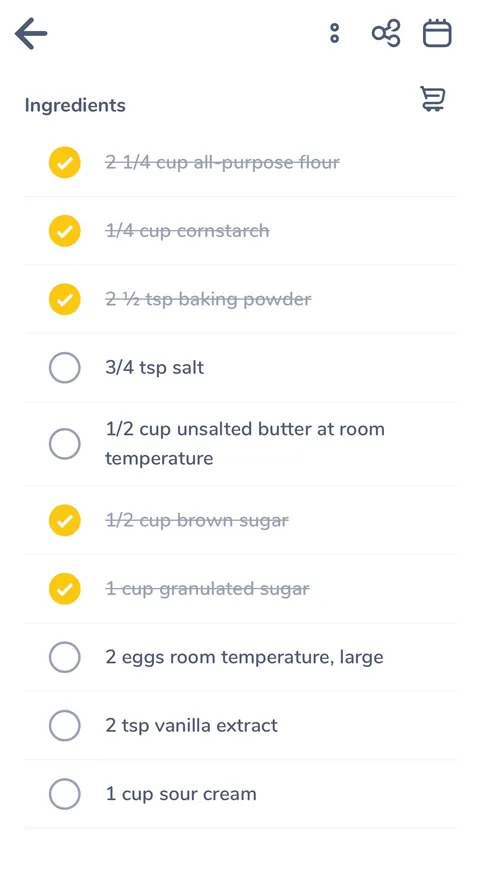
Check off ingredients and highlight each step as you cook, without your screen going to sleep.
Free to get started · iPhone and iPad
Your recipes, wherever you cook.
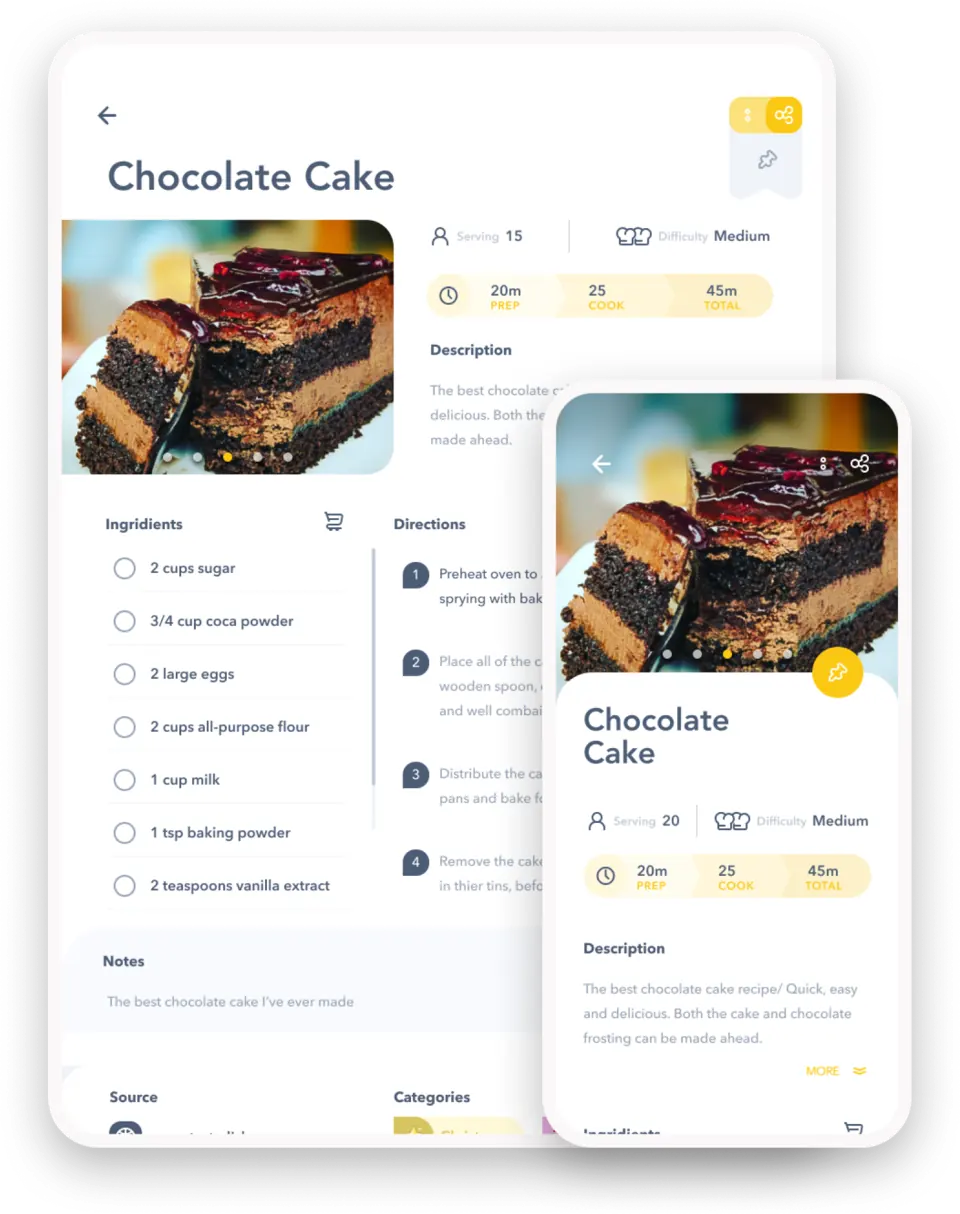
Save a recipe on your iPhone and open it on your iPad when it’s time to cook. With Spiciko Premium, your recipe collection is automatically synced across your devices.
- Automatic sync
- Cloud backup
- Offline access
Loved by home cooks.
Love it!
“Been trying to organise my recipe collection for years and now I have. You can bring everything together in one place quickly and easily. I have a massive collection of recipes handwritten, torn out pages from magazines, emails, online links from Facebook etc and could never find what I was looking for but now I can - amazing app, I love it!”
Perfect recipe keeper
“This is a brilliant recipe keeping app. You can download recipes from web links perfectly, create menu plans and shopping lists.”
Great App
“Super easy to use recipe app.”
Frequently asked questions
What is a recipe organizer app?
A recipe organizer app helps you save, categorize and find your own recipes in one digital collection. With Spiciko, you can also plan meals and create grocery lists from your saved recipes.
What is the easiest way to organize recipes digitally?
Start by saving the recipes you cook most often. Create categories based on how you cook, such as quick dinners, soups, baking and family favorites. With a digital recipe organizer like Spiciko, you can gradually build a collection that’s easy to browse and search.
Is Spiciko a free recipe organizer app?
Yes. Spiciko is free to download, and you can save up to 20 recipes before deciding whether to upgrade to Premium.
Can I organize handwritten recipes and recipe cards?
Yes. Take a photo of a handwritten recipe or select an existing photo from your library. Give it a title and assign categories to make it easy to find later.
Can I search recipes by ingredient?
Yes. Spiciko lets you search your saved recipes by title or ingredient. Recipes saved only as photos can be searched by title.
Can a recipe belong to more than one category?
Yes. For example, a chicken pasta recipe can appear in both Pasta and Quick Dinners. You don’t need to create duplicate recipes.
Can I use Spiciko on both my iPhone and iPad?
Yes. Spiciko is available for iPhone and iPad. Premium users can automatically sync their recipe collection across devices using their Spiciko account.
Can I access my recipes without an internet connection?
Yes. Your saved recipes are available offline, so you can access them while cooking even without an internet connection.
Do I need to create an account?
No. You can start saving and organizing recipes without an account. A Spiciko account is needed for cloud backup and synchronization.
Give your favorite recipes a home.
Start building your own recipe collection with Spiciko today.
Free to get started · iPhone and iPad