All the recipes
you love. In one place.
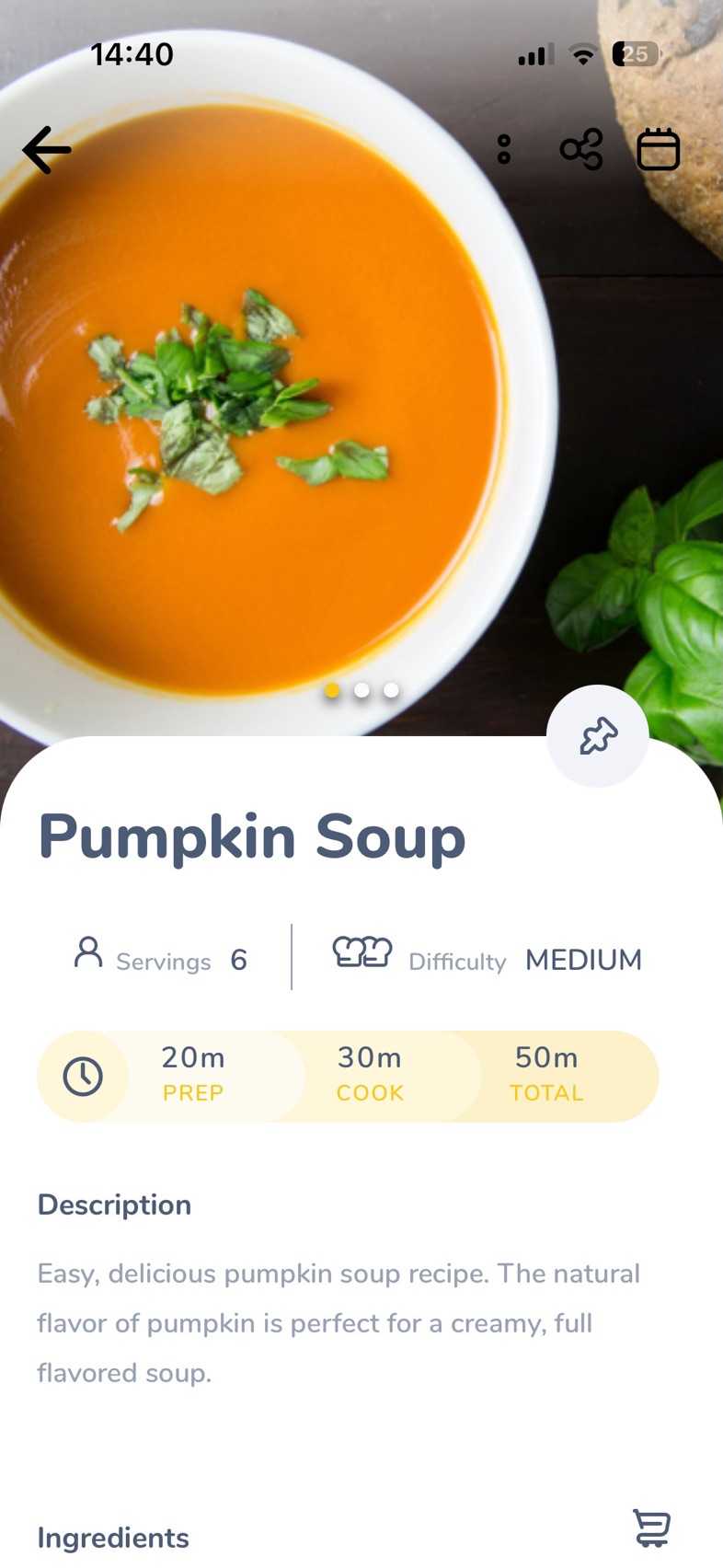
Save a recipe you found online or snap a photo of a family recipe card. Plan your meals and build a grocery list from the recipes you choose.

Free to get started · iPhone and iPad
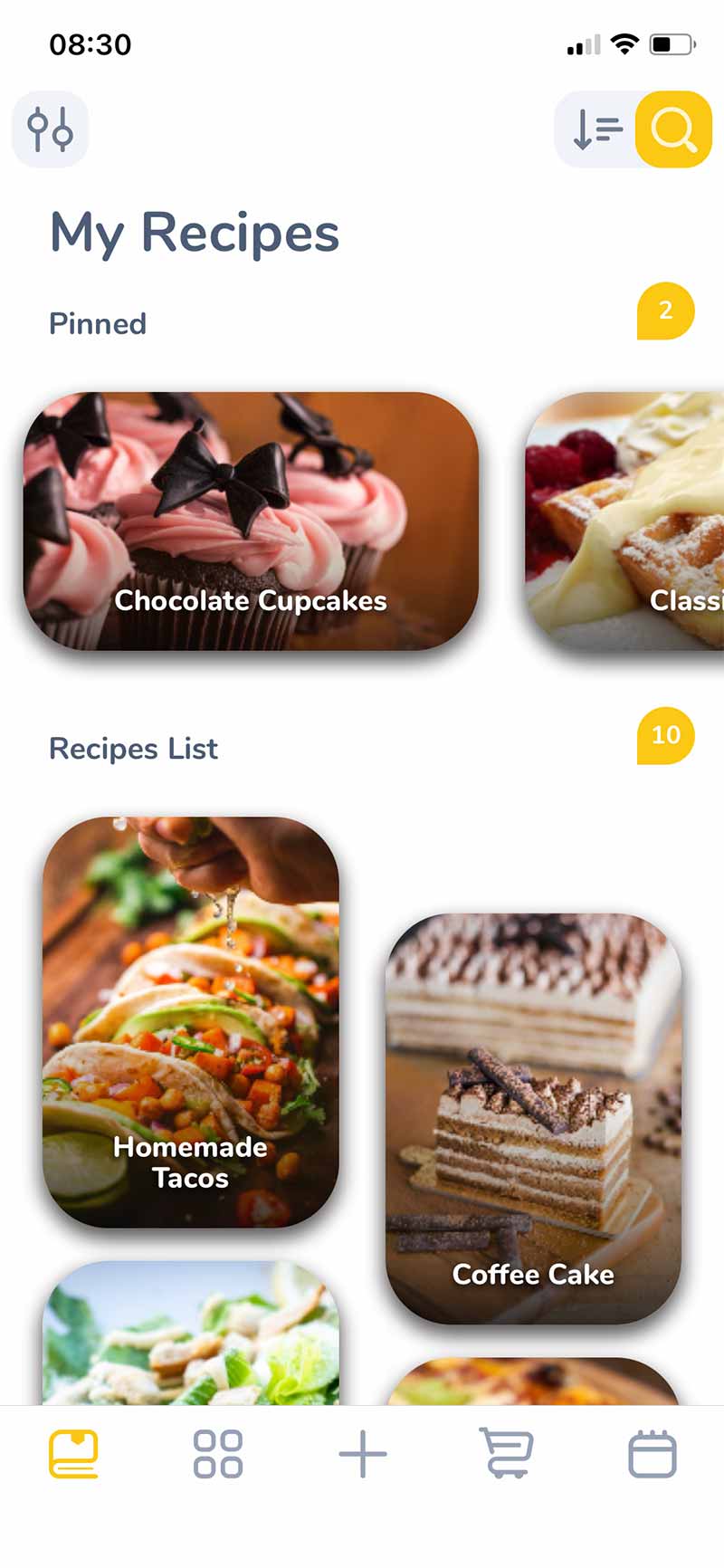
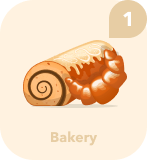
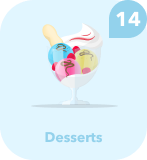
Find a recipe by category
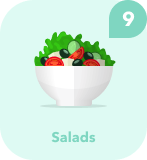
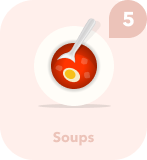
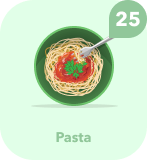
Give your recipes a home in your own categories. When it’s time to cook, browse the pictures or search by name or ingredient.

Two ways to save a favorite
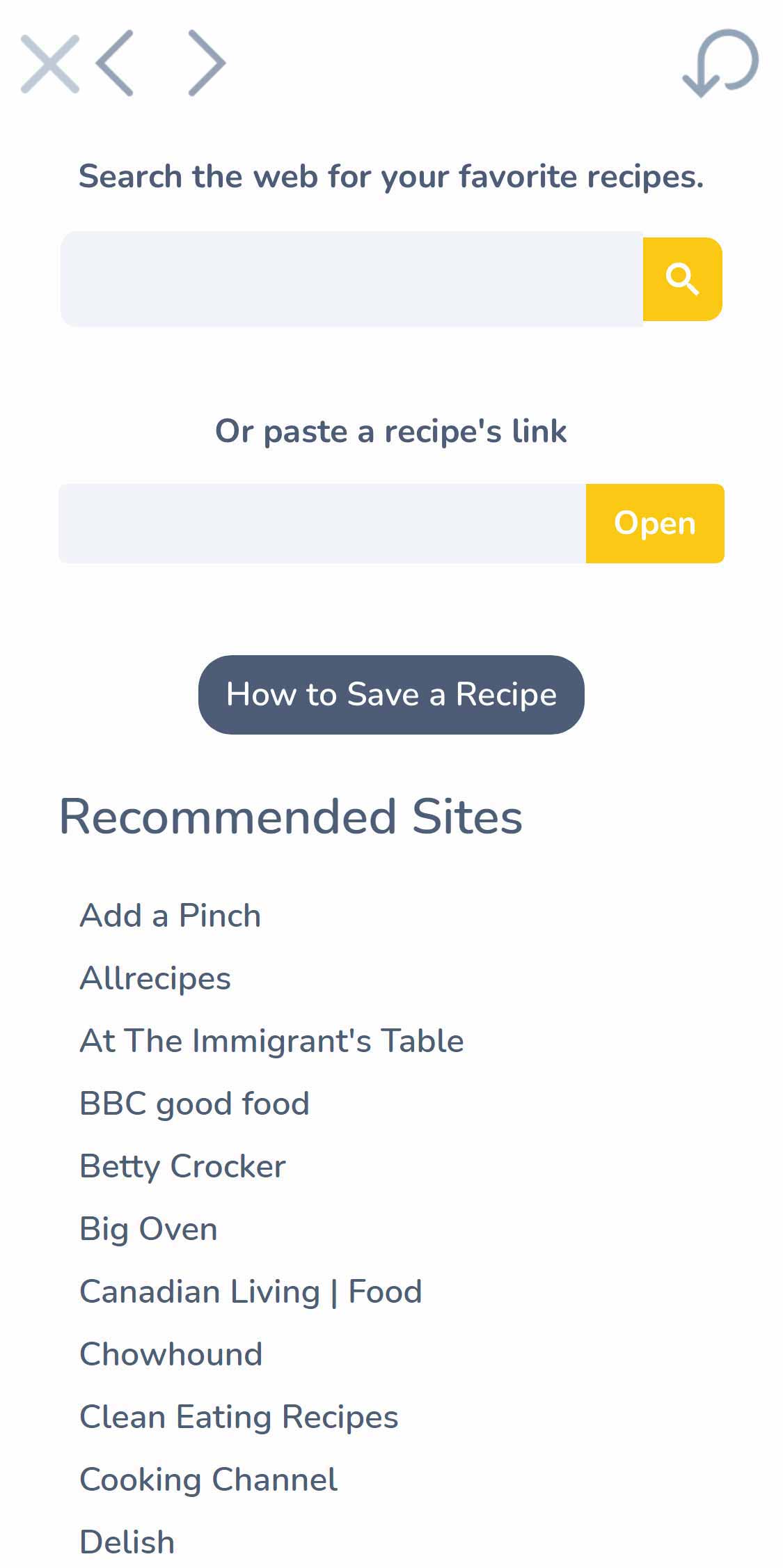
From a website
Open a recipe link in Spiciko and tap Import to save the ingredients and directions together.
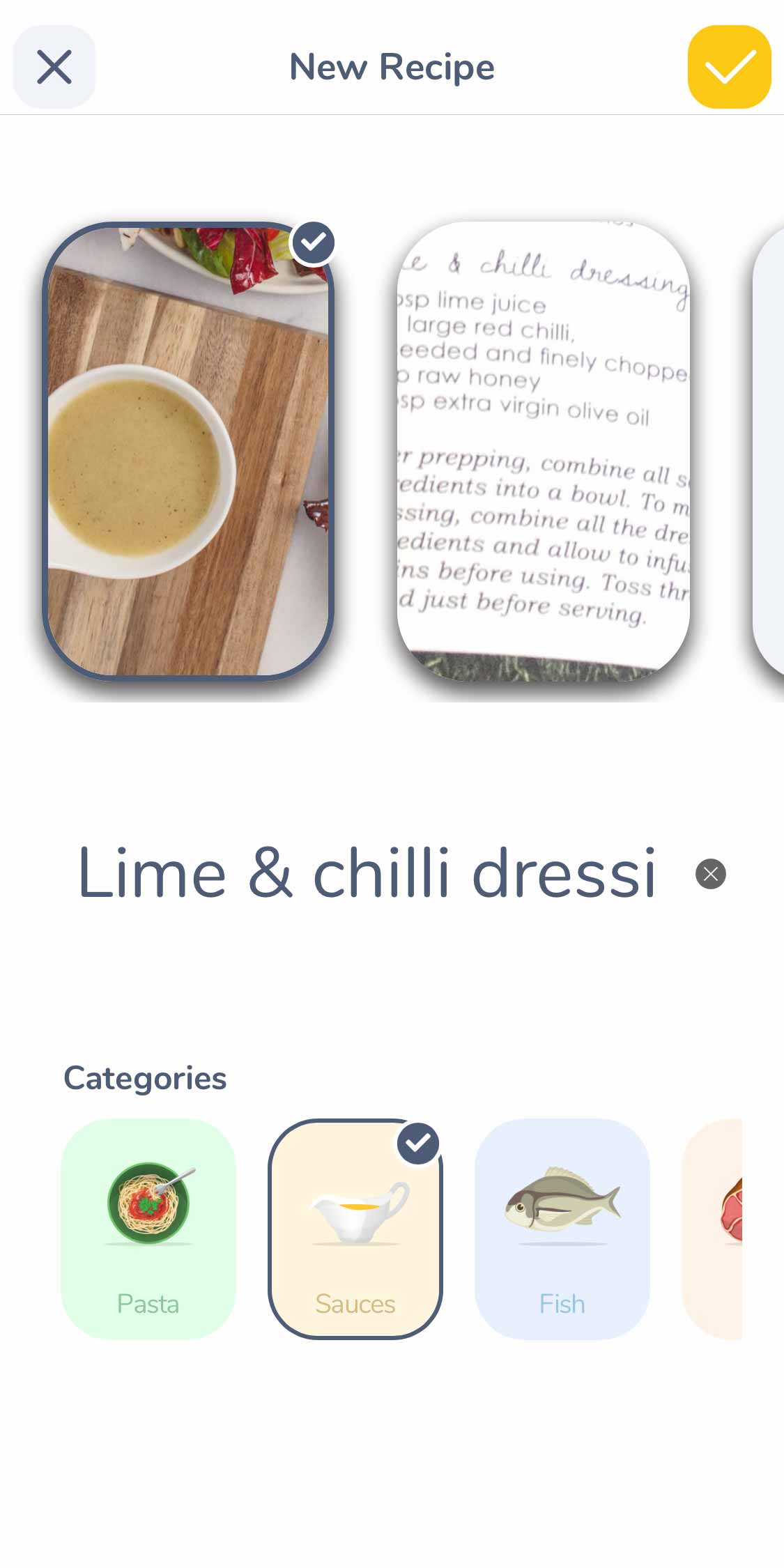
From a recipe card
Take a photo of a handwritten card or cookbook page. Give it a name so you can find it again.
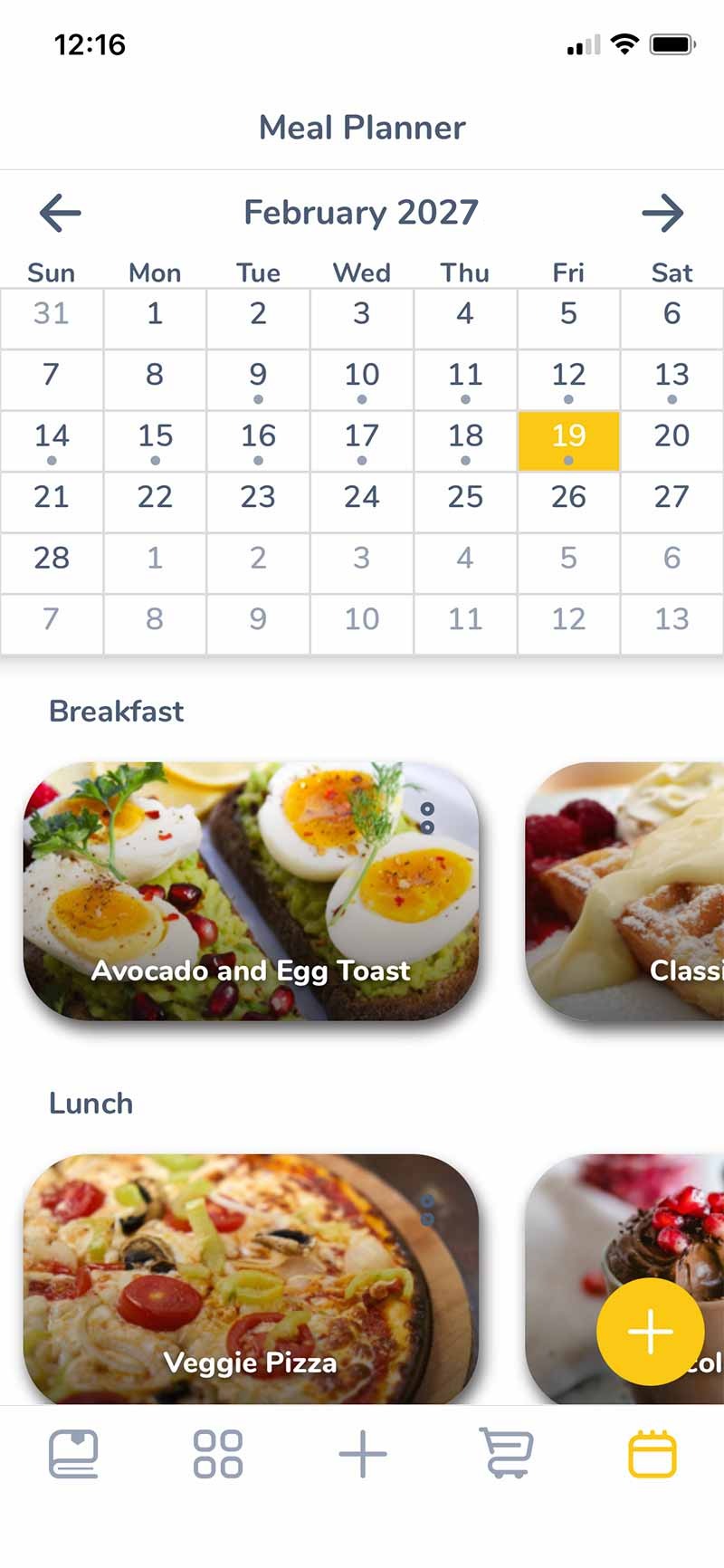
What’s for dinner this week?
Pick meals from your recipe book. Leave a note for leftovers or a night out.
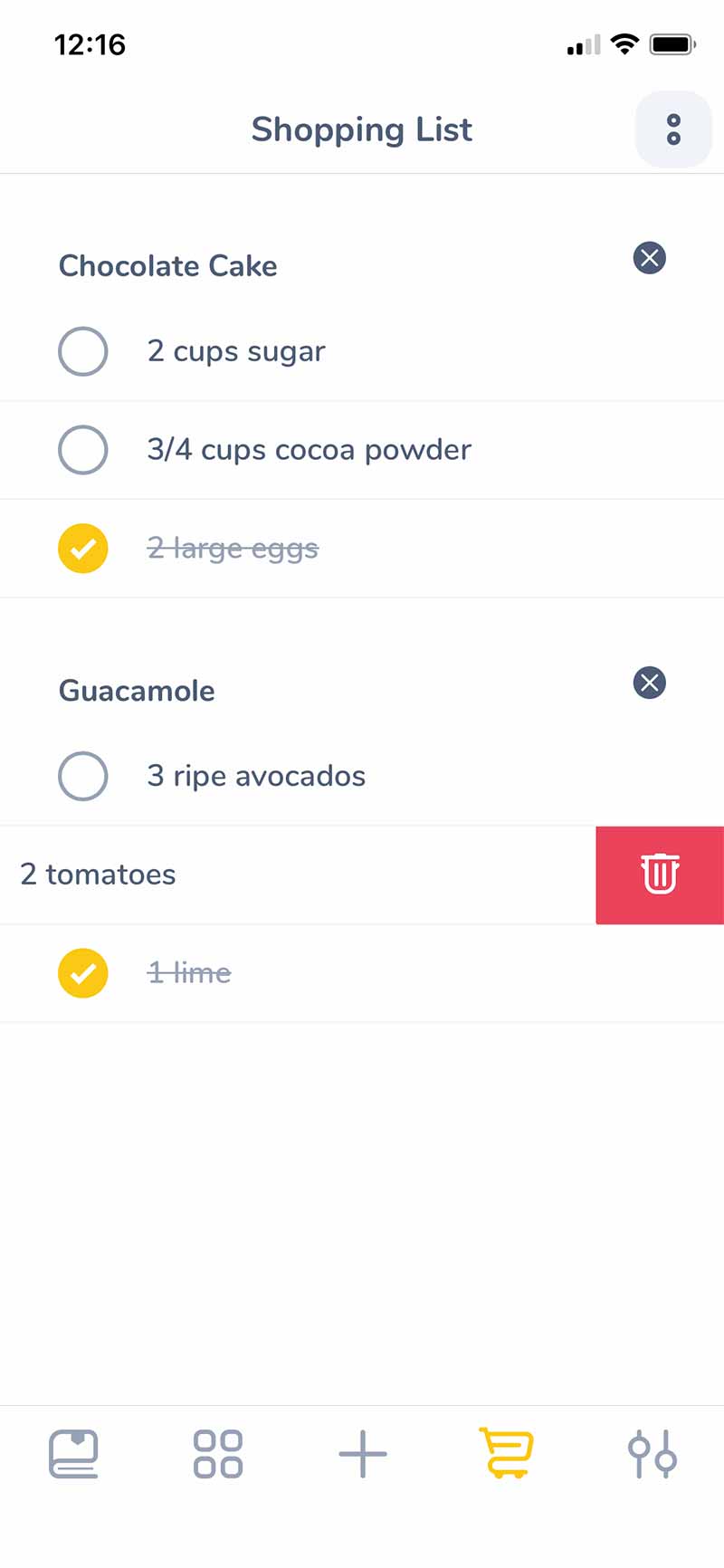
Take the ingredients to the store
Add the ingredients you need from each recipe to your grocery list. Check them off as you shop.
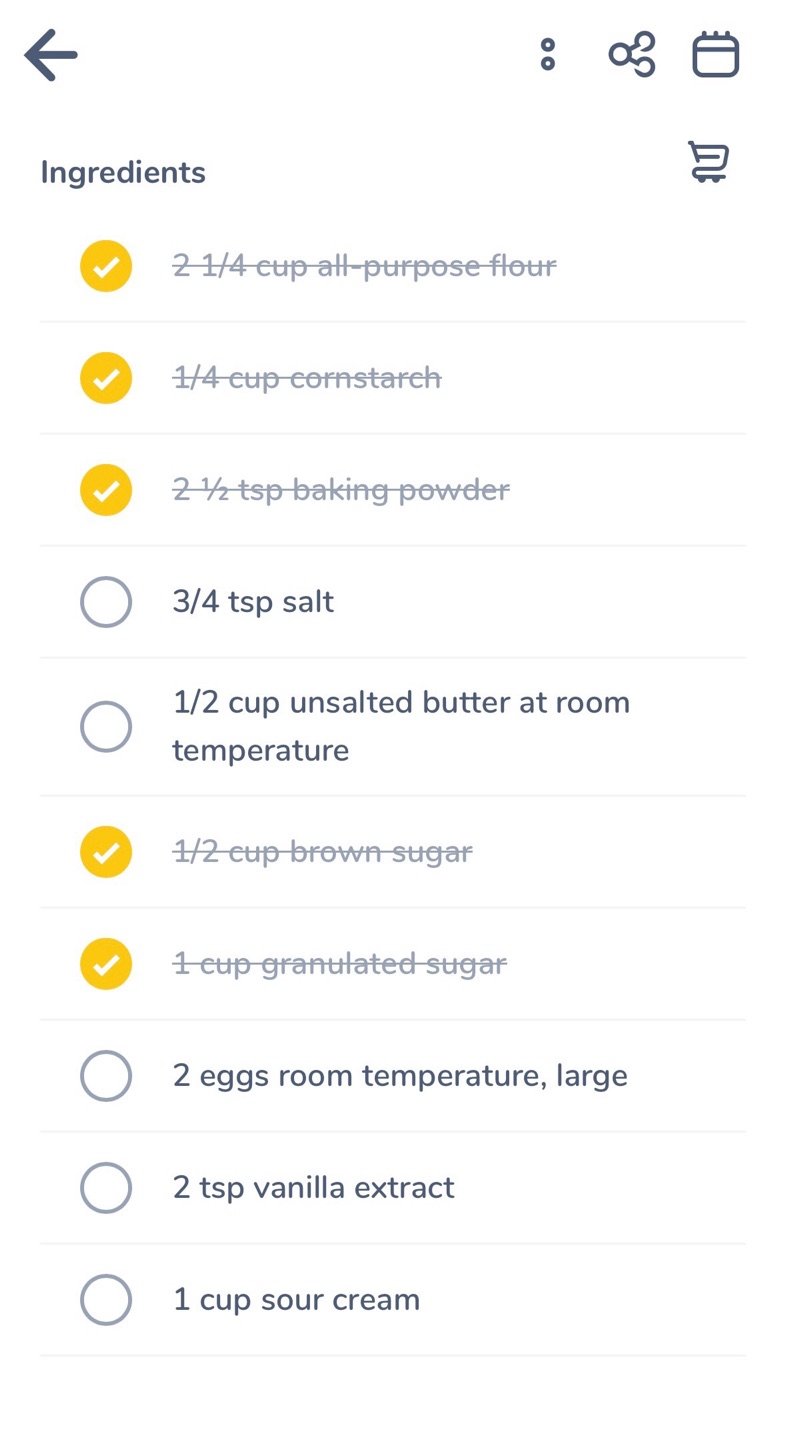
Keep your place while you cook
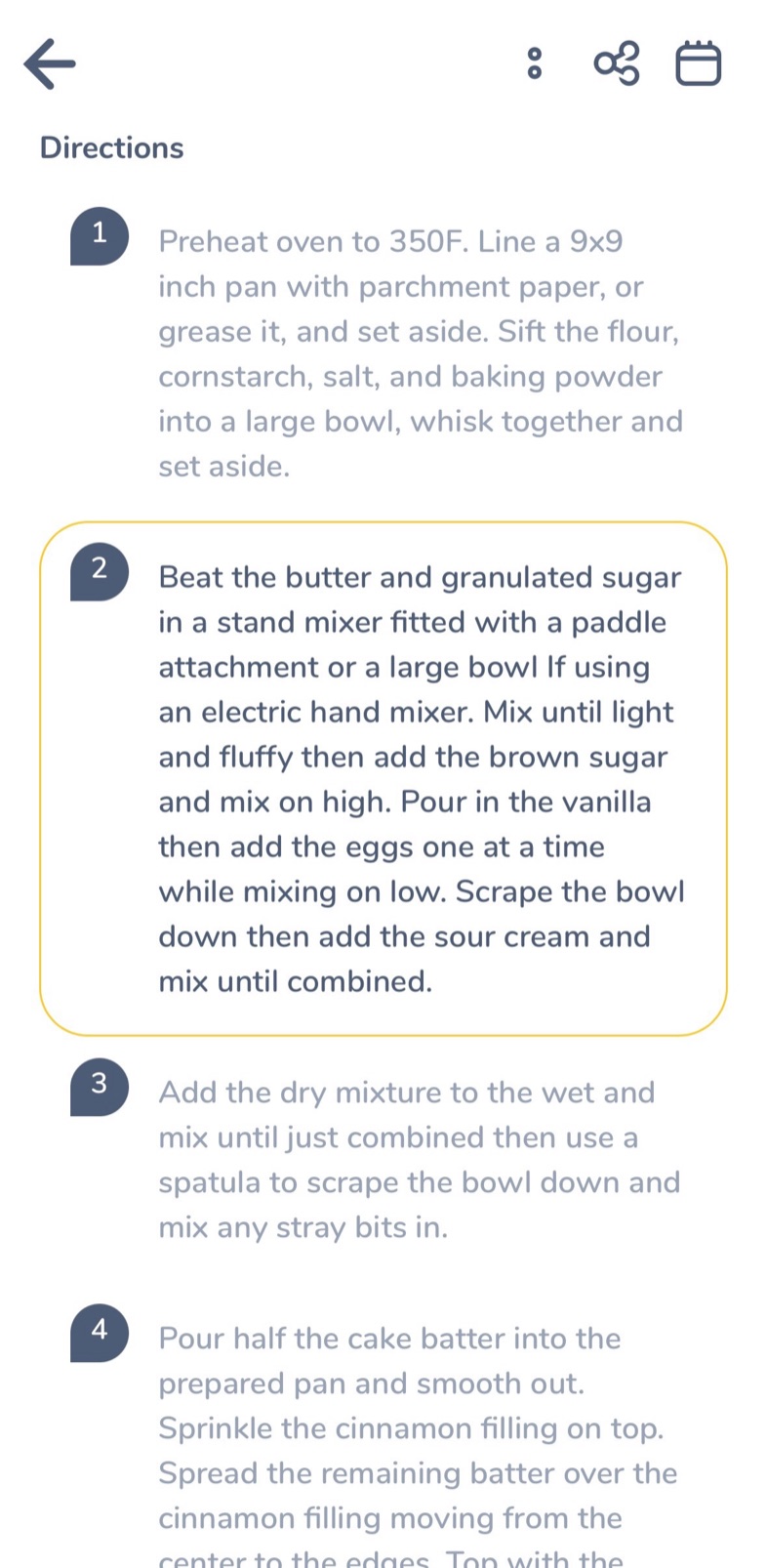
Check off ingredients as you use them. Tap the step you’re on, and the screen stays awake while you cook.
What home cooks say
Love it!
“Been trying to organise my recipe collection for years and now I have. You can bring everything together in one place quickly and easily. I have a massive collection of recipes handwritten, torn out pages from magazines, emails, online links from Facebook etc and could never find what I was looking for but now I can - amazing app, I love it!”
Perfect recipe keeper
“This is a brilliant recipe keeping app. You can download recipes from web links perfectly, create menu plans and shopping lists.”
Great App
“Super easy to use recipe app.”
Questions about Spiciko
Can I type in my own recipes?
Yes. Start with a title, then add ingredients, directions or a photo whenever you’re ready.
Can I save a recipe that’s written on paper?
Yes. Take a photo of the card or cookbook page and save it with a title. Open the photo when you’re ready to cook.
Can I add just a few ingredients to my grocery list?
Yes. Choose individual ingredients or add the whole ingredient list from a recipe.
Start with a recipe you love.
Free to get started · iPhone and iPad